Download OnAir Airline Manager
Everything you need to start flying — the OnAir client for your simulator, and the Companion app to track every flight live.
No account yet? Create your account — it's free for 7 days →
Recommended
64-bit
For MSFS 2024, MSFS 2020, X-Plane 12, X-Plane 11, and Prepar3D V4+. Use this version if you're not sure.
Download 64-bit Windows · ~50 MB
Legacy
32-bit
For FSX and Prepar3D V3 only. You can install both versions side by side, but cannot run them simultaneously.
Download 32-bit Windows · FSX / P3D V3Downloaded? Follow the getting started guide →
System requirements
- Windows 11 (64-bit)
- Intel Core i3 or equivalent
- 1 GB VRAM minimum
- 8 GB RAM
- 100 MB free disk space
- 1600 × 900 minimum resolution
Windows security warning? Windows SmartScreen may flag the installer the first time. This is normal for new software. Click "More info" then "Run anyway" to proceed.
Read the installer FAQ →
Read the installer FAQ →
Uninstalling OnAir — Use Windows' built-in "Add or remove programs". You don't need to uninstall the 32-bit version before installing the 64-bit one, but you cannot run both at the same time.
Windows uninstall guide →
Windows uninstall guide →
Need help? Check the Getting Started guide or ask on Discord — thousands of pilots ready to help.
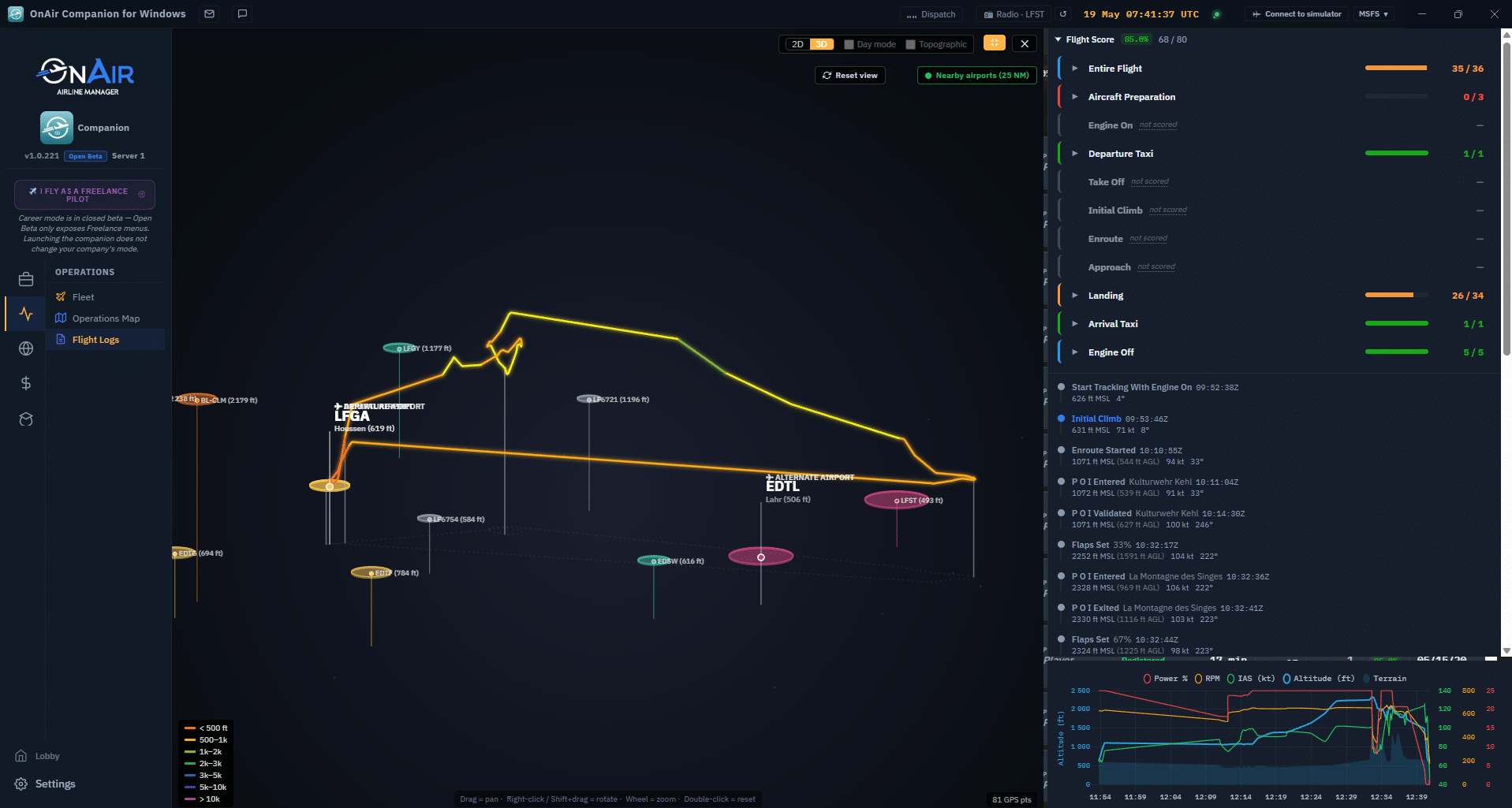
OnAir Companion Open Beta
A separate Windows app that keeps your company live, your flights tracked, and your missions ready — without the browser. Included with your subscription or free trial — sign in with your OnAir credentials to access it.